

WPForms with MemberPress is one of the most powerful ways to create customized membership registration and checkout experiences on WordPress. By combining the flexibility of WPForms with the membership management capabilities of MemberPress, site owners can build advanced registration workflows, collect additional customer information, and automate membership enrollment with ease.
Managing a membership site is a fantastic way to monetize your content, build a thriving community, and deliver recurring value. WordPress site owners widely use MemberPress to handle restricted content access, billing, and membership levels. While MemberPress is outstanding for core membership operations, its default registration and checkout forms can sometimes feel rigid, offering limited customization options.
If you want to create highly customized, multi-page registration flows, collect user uploads, or leverage advanced conditional logic during checkout, you need a more flexible solution. That is where WPForms comes in. By using WPForms with MemberPress, you can create powerful registration experiences that go far beyond the default checkout process. In this guide, we will show you how to use WPForms with MemberPress through the WPForms MemberPress Integration plugin by Ristretto Apps to build a fully customized, high-converting membership checkout experience.
Why Integrate WPForms with MemberPress?
While the native checkout forms in MemberPress work well, they do not offer the rich layout controls, custom styling, and extensive field types that modern businesses require. By integrating WPForms with MemberPress, you gain several massive advantages:
- Complete Design Control: Build single-page or multi-page checkout processes, style form layouts using drag-and-drop mechanics, and embed forms anywhere with shortcodes.
- Dynamic Conditional Logic: Show or hide specific fields, payment options, or terms of service agreements dynamically based on what the user selects in real-time.
- Advanced Data Collection: Easily add custom fields, such as “How did you hear about us?”, date pickers, document uploads, or terms agreement checkmarks, and map them to WordPress user meta or MemberPress fields.
- Subscription and One-time Checkout: Maintain accurate financial transactions and active membership enrollments directly inside MemberPress’s built-in reports, even when utilizing WPForms’ built-in Stripe or PayPal gateways.
When you use WPForms with MemberPress, you gain complete control over how users join your membership site. Instead of being limited to standard registration pages, you can create branded onboarding experiences that match your website design and business goals. From collecting additional profile information to offering customized membership options, WPForms with MemberPress makes it easy to build a more professional and engaging registration process while keeping all membership data synchronized within MemberPress.
Creative Use Cases for the WPForms MemberPress Integration
Unlocking a flexible form builder like WPForms opens up numerous creative workflows for your membership site. Here are a few creative ways businesses are utilizing this integration:
1. Multi-Step Onboarding and Surveys during Checkout
Instead of presenting a daunting, long registration form, you can break your membership checkout into three digestible steps using WPForms’ Page Break fields. Step one collects basic account details; step two runs an onboarding survey (e.g., “What are your business goals?”); and step three collects payment details. Once submitted, the user is created, billed, and enrolled into the correct MemberPress tier, and their survey answers are saved for your review.
2. Professional Certifications and Resume Uploads
If you run a professional network, job board, or restricted educational portal, you might require members to upload a copy of their resume, business license, or certificate before their application is approved. WPForms’ powerful file upload field handles this perfectly. Users upload files during registration, and the integration maps their submission directly to their WordPress profile, simultaneously setting their status in MemberPress.
3. Client Onboarding and Custom Metadata Mapping
Map custom fields like company name, address, or VAT registration number directly from your WPForms checkout fields to WordPress user meta or custom fields. This keeps your member profiles organized and ensures that any third-party invoicing or CRM tools sync perfectly with your membership records.
Step-by-Step: How to Integrate WPForms with MemberPress
Ready to set this up on your site? The process is remarkably straightforward with the Ristretto Apps integration plugin:
- Install the Required Plugins: Ensure you have WPForms (Pro is recommended to unlock payments and advanced fields), MemberPress, and the WPForms MemberPress Integration plugin by Ristretto Apps installed and active.
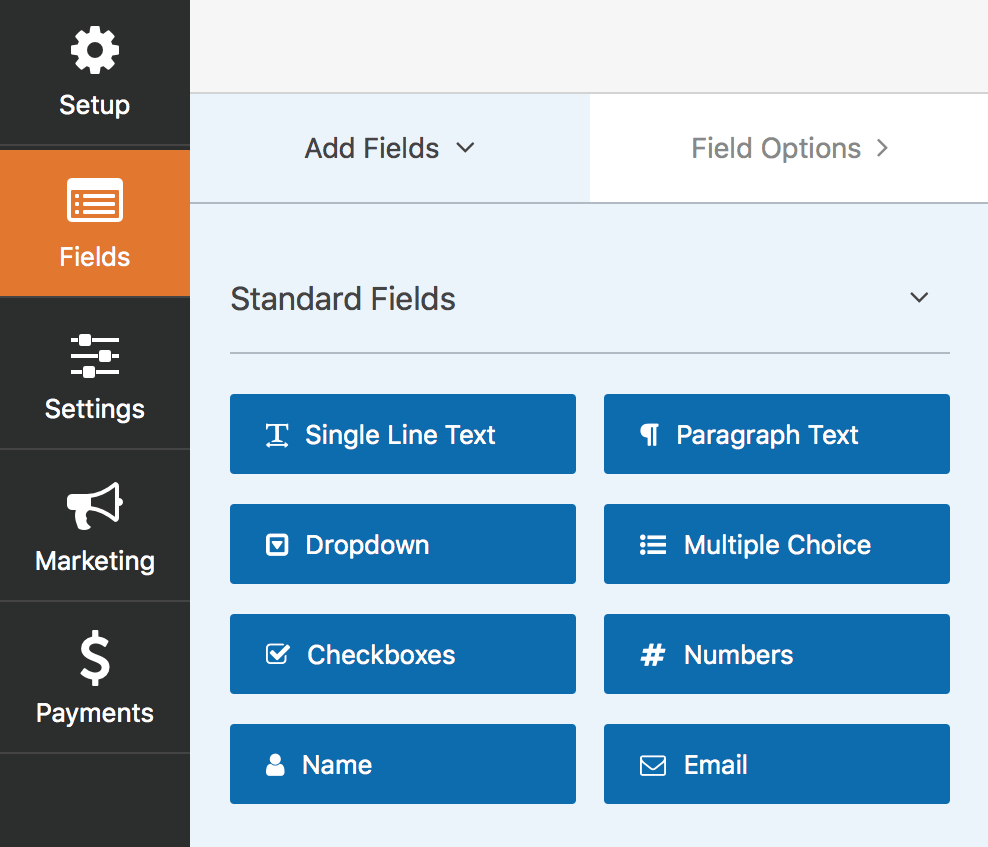
- Build Your Form in WPForms: Create a new form and add the standard user registration fields (such as Username, Email, and Password) using the User Registration addon. Customize the form by adding payment fields (Stripe/PayPal), custom text fields, or document upload fields as desired.
- Configure the Integration Settings: In your WPForms builder, navigate to the settings of the form, find the MemberPress integration settings, and map your WPForms fields to MemberPress levels. You can assign users to static levels or let them choose dynamically from a dropdown field in your form.
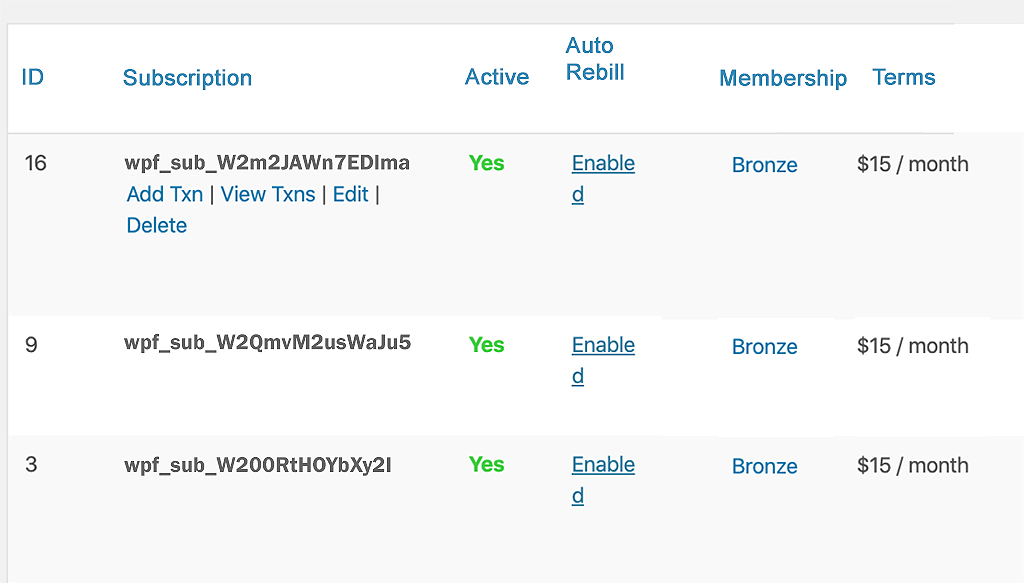
- Set Up Payment Processing: Configure your payment gateway in WPForms. The Ristretto Apps integration automatically processes subscription payments and syncs them as active subscriptions and transactions inside your MemberPress reporting panels.
- Publish and Launch: Embed your custom form shortcode on your registration page. Your custom checkout flow is now live!
Conclusion
Using WPForms with MemberPress gives you the flexibility to create registration and checkout experiences that are tailored to your audience. Whether you need advanced onboarding workflows, file uploads, custom profile fields, subscription payments, or conditional logic, this integration provides the tools needed to deliver a better member experience.
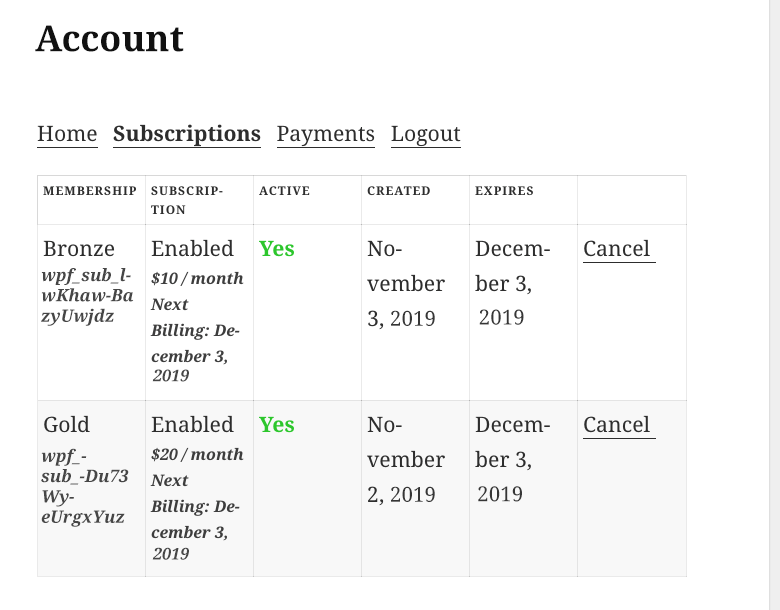
If you’re looking for a simple way to use WPForms with MemberPress while maintaining accurate membership records, transaction reporting, and subscription management, the WPForms MemberPress Integration by Ristretto Apps is an excellent solution for growing membership websites.
Don’t let rigid registration templates hold back your conversion rates. Learn how to integrate WPForms with MemberPress using Ristretto Apps and build registration flows that reflect your brand identity, engage your audience, and streamline user onboarding.
Get started today with the WPForms MemberPress Integration by Ristretto Apps!
