

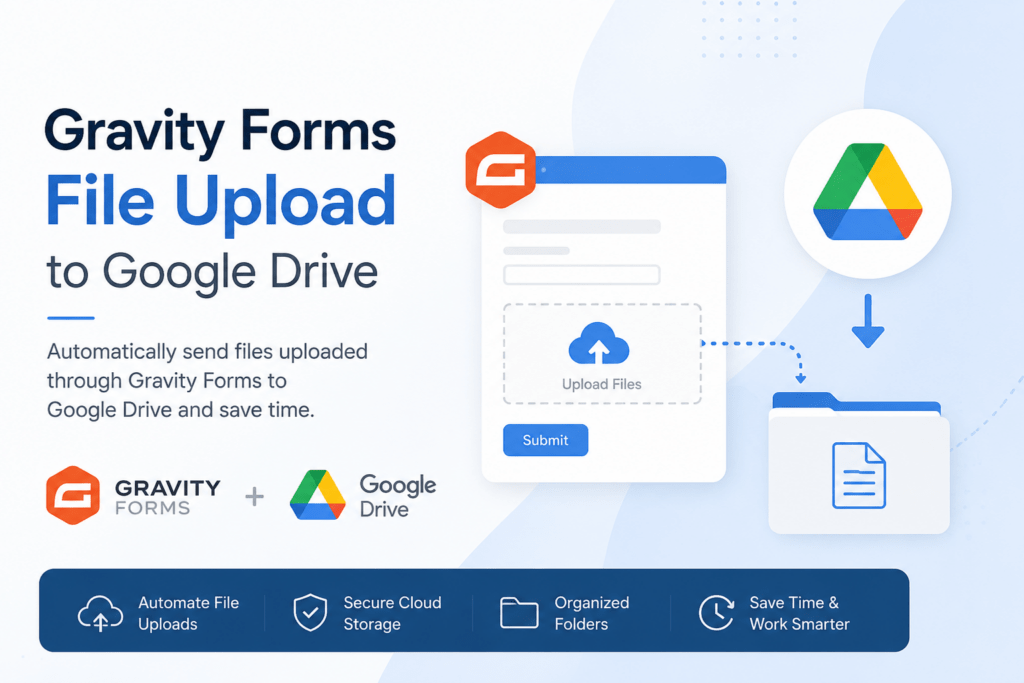
Gravity Forms file upload workflows become much more powerful when you automatically send uploaded files directly to Google Drive. Instead of manually downloading and re-uploading files, you can automate the entire process using the Gravity Forms to Google Drive – GDrive Uploader plugin.
Why Use Gravity Forms File Upload with Google Drive?
When users submit files through your contact forms, application portals, or intake systems, they occupy valuable server space on your WordPress host. Integrating your forms with Google Drive provides a range of benefits:
- Save Server Storage: Keep your WordPress hosting directory lean and fast by keeping heavy uploads off your server.
- Centralized Access: Organize job applications, project assets, or client documents automatically in shared team folders.
- Secure Cloud Backup: Google’s enterprise-grade security keeps your form submissions safe and accessible anytime.

Creative Ways to Use Gravity Forms File Upload Automation for Your Business
Here are some creative, real-world ways you can use this automation to optimize your business operations:
1. Automated Job Portals: Create a job application form using Gravity Forms. When candidates upload their resumes and portfolios, have them delivered instantly to a dedicated Google Drive folder for HR review.
2. Customer Support Ticket Attachments: When clients submit screenshot images or logs for support tickets, organize them cleanly in separate client folders automatically.
3. Media Assets Collection: Let clients submit heavy creative assets directly through your site and stream them straight to Google Drive.
The GDrive Uploader by Ristretto Apps makes this automation reliable, fast, and remarkably simple to set up.
How Gravity Forms File Upload Automation Works
When a visitor submits a form containing a file upload field, the Gravity Forms file upload process stores the file temporarily within WordPress. The GDrive Uploader plugin then automatically transfers the uploaded file to your designated Google Drive folder.
This removes the need for manual downloads and uploads, helping teams organize documents more efficiently while reducing administrative work.
You can route uploads to specific folders, create organized storage structures, and ensure important files are immediately available to team members who need access.
Who Can Benefit from Gravity Forms File Upload Integrations?
Businesses of all sizes can benefit from Gravity Forms file upload automation. Recruitment agencies can collect resumes, law firms can gather intake documents, creative agencies can receive media assets, and educational organizations can collect student submissions.
By automatically syncing uploaded files to Google Drive, organizations reduce manual work while keeping documents organized and accessible.
Beyond saving time, Gravity Forms file upload automation helps businesses create more reliable and scalable document management workflows. Teams no longer need to manually track down attachments or move files between systems. Every uploaded document is automatically stored in Google Drive, making collaboration easier and reducing the risk of lost files.
For businesses that process large volumes of documents, such as recruitment agencies, legal firms, healthcare providers, and educational organizations, automated file routing can significantly reduce administrative overhead. Team members can instantly access uploaded files from any location, improving response times and operational efficiency.
By combining Gravity Forms file upload capabilities with Google Drive storage, organizations can create a secure, centralized system for managing important documents while keeping their WordPress hosting environment optimized for performance.
Conclusion
Automating your Gravity Forms file upload workflow can save countless hours of manual work while improving document organization and accessibility. By automatically sending uploaded files to Google Drive, businesses can streamline operations, reduce storage demands on their WordPress hosting environment, and ensure important documents are always available to the right team members.
Whether you’re collecting job applications, client documents, support attachments, project assets, or educational submissions, Gravity Forms file upload automation helps create a more efficient and scalable process. With the Gravity Forms to Google Drive – GDrive Uploader plugin, you can eliminate repetitive tasks, improve collaboration, and build a more reliable file management system for your business.
