

For years, our Gravity Forms to Google Drive Uploader has helped thousands of sites route form submissions straight to the cloud. Now our new Gravity Forms uploaders take that same power far beyond Google Drive, so you can send file uploads to whichever cloud platform your workflow actually runs on.
We rebuilt everything that made the original uploader great — form-based uploading, folder routing, and dynamic file renaming — and extended it across seven cloud ecosystems. Whether you rely on AWS S3, Microsoft OneDrive, or privacy-first platforms like Proton Drive and NextCloud, there is now a Gravity Forms uploader built for you.
Table of Contents
Why We Built a Family of Gravity Forms Uploaders
Every team stores files differently. Some are deep in the Microsoft 365 world, some self-host for compliance, and others need end-to-end encryption. Instead of forcing one destination, these Gravity Forms uploaders let you match each form to the storage platform you already trust — with the same simple setup across all of them.
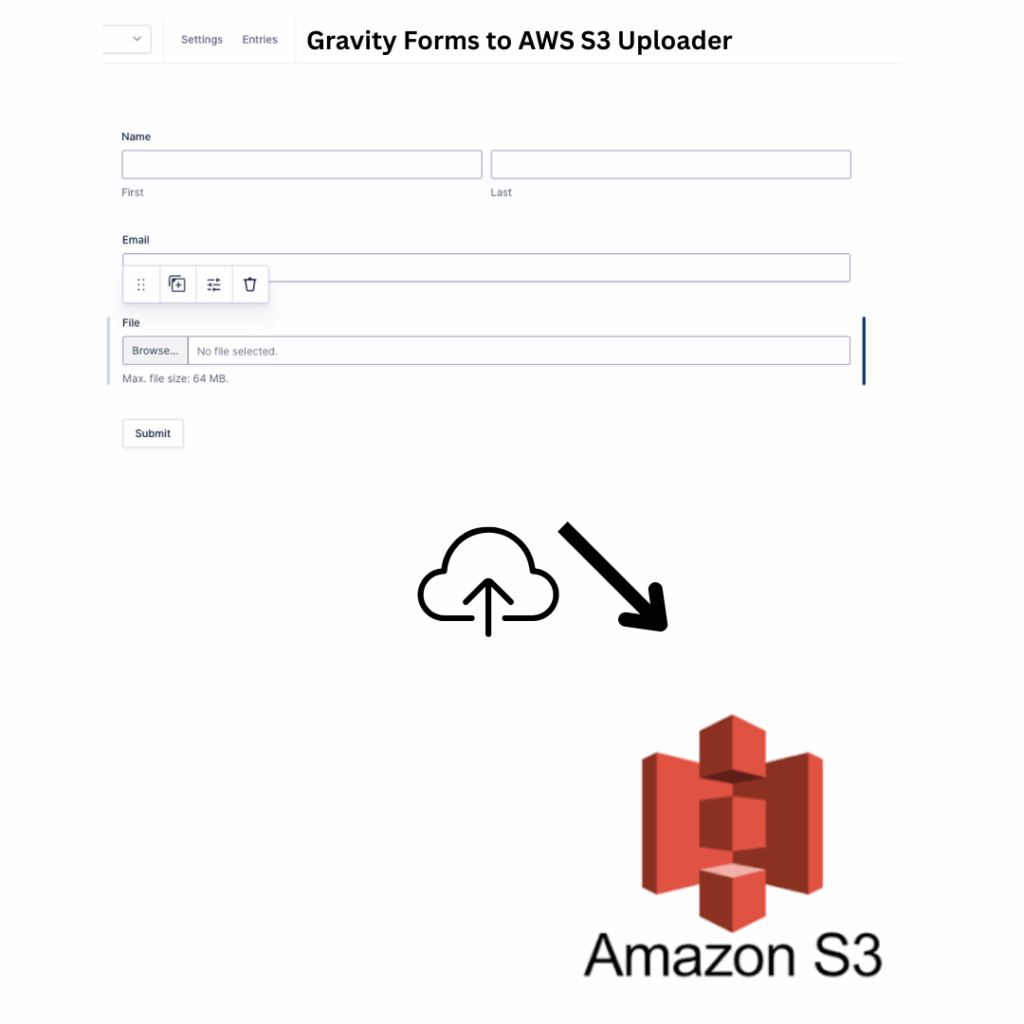
1. Gravity Forms to AWS S3 Uploader
Enterprise-grade uploading straight from Gravity Forms to Amazon S3 and S3-compatible storage. Instantly send uploaded files — resumes, signed PDFs, images, or other documents — into your configured S3 buckets.
It supports standard S3 setups and S3 alternatives like DigitalOcean Spaces and Wasabi. Set custom paths, auto-rename uploads, and choose public or private access per file.
Key features:
- Works with AWS S3, DigitalOcean Spaces, Wasabi, and more
- Bucket and folder routing based on form inputs
- Optional file privacy settings (public or private)
- Pre-signed URLs and metadata tagging
- Built for enterprise workflows and large file handling
Learn more: Gravity Forms to AWS S3 Uploader
2. Gravity Forms to OneDrive Uploader
Connect Gravity Forms to Microsoft OneDrive and streamline internal document workflows. Files submitted through your forms are automatically pushed into a designated OneDrive folder, personal or business — ideal for HR forms, applications, and client uploads.
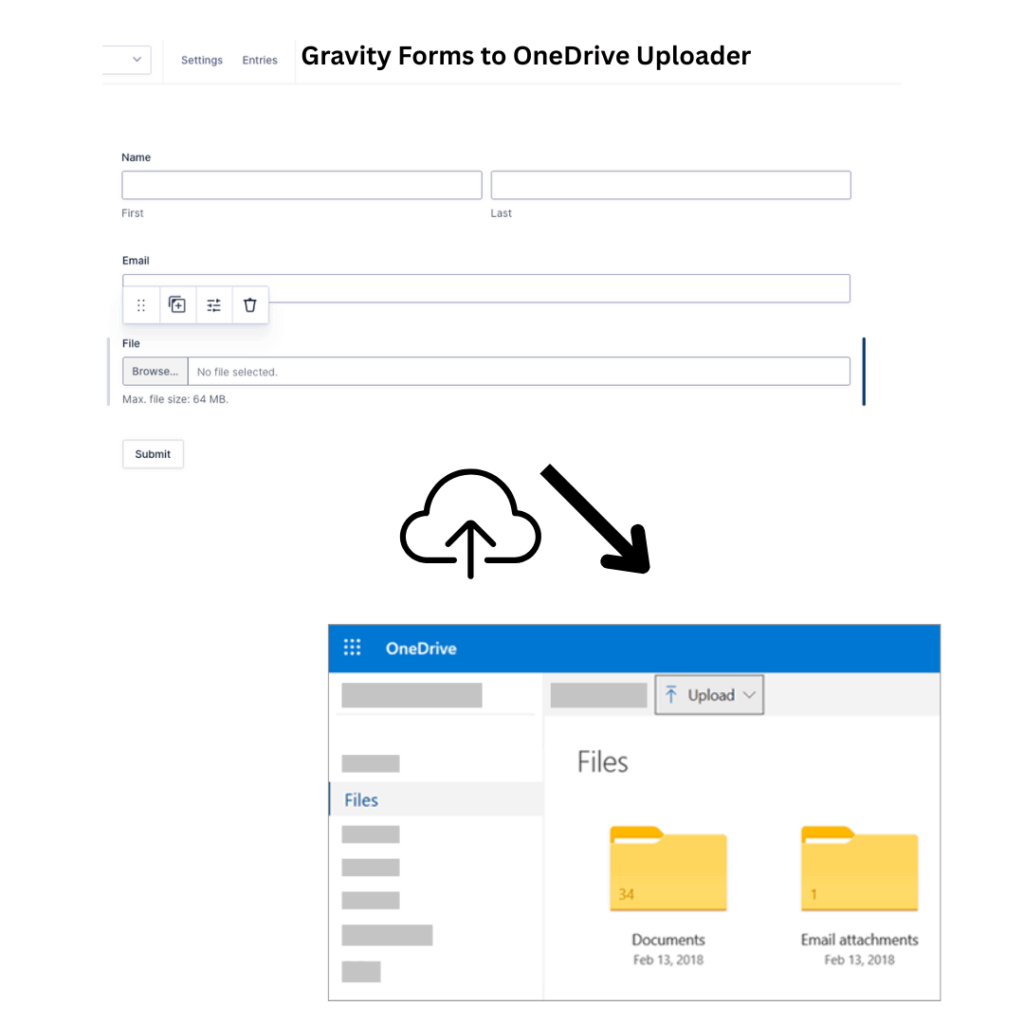
Built with enterprise use cases in mind, the integration uses the Microsoft Graph API for secure, reliable transfers.
Key features:
- Supports personal and business OneDrive accounts
- Dynamic folder creation using form values
- Secure OAuth authentication via Microsoft Graph API
- Option to overwrite or version files
- Real-time logs and file delivery status
Learn more: Gravity Forms to OneDrive Uploader
3. Gravity Forms to NextCloud Uploader
Host your own cloud? Push Gravity Forms uploads directly into NextCloud folders. Self-hosters and privacy-conscious teams get seamless, secure transfer from the website to a self-hosted cloud, while keeping full control of their storage.
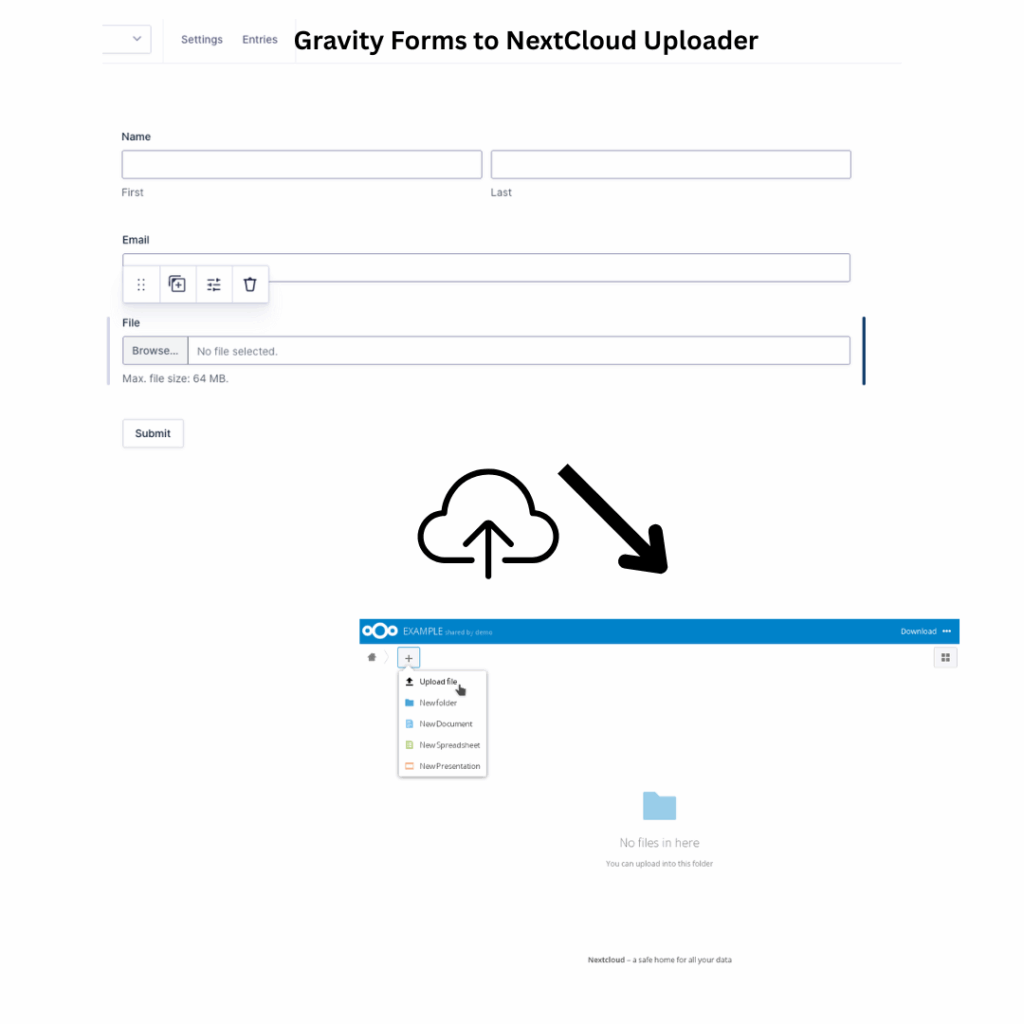
Ideal for education, healthcare, agencies, and other regulated industries.
Key features:
- Supports NextCloud via WebDAV
- Works with both public and private servers
- Password-protected and token-based authentication
- Customizable folders per user or form input
- Great for GDPR and HIPAA-conscious workflows
Learn more: Gravity Forms to NextCloud Uploader
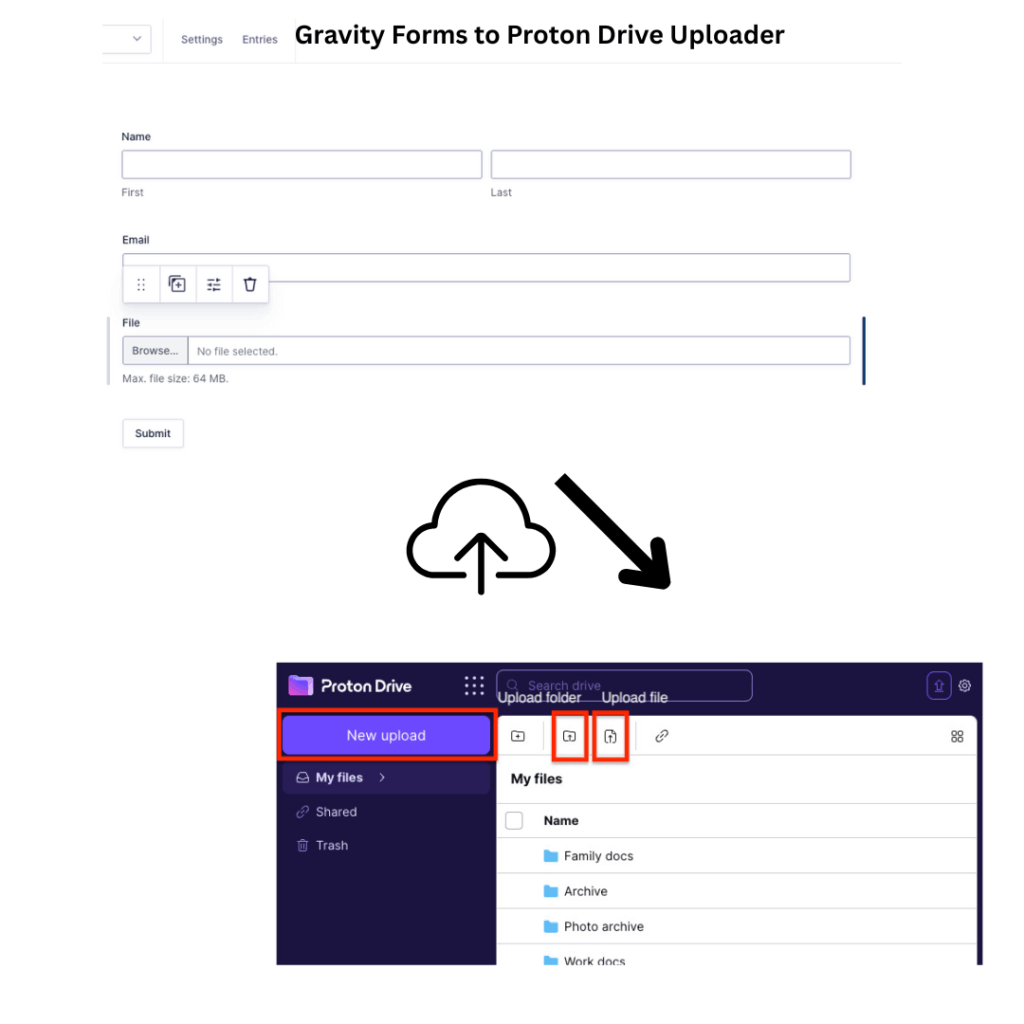
4. Gravity Forms to Proton Drive Uploader
End-to-end encrypted uploads, straight from your form to Proton Drive. Designed for users and organizations that put privacy first, this uploader pipes file uploads directly into your Proton Drive account with Proton’s signature encryption — perfect for law firms, clinics, and advocacy groups.
Key features:
- Upload directly to Proton Drive folders
- End-to-end encryption for maximum privacy
- OAuth-based secure connection to Proton
- Auto-create folders or tag files dynamically
- Great for NGOs, legal teams, and confidential use cases
Learn more: Gravity Forms to Proton Drive Uploader
5. Gravity Forms to iCloud Uploader
For Apple ecosystem lovers, Gravity Forms can now send files to your iCloud Drive. Collect media files, proposals, or schoolwork and route everything to your iCloud folders, ready to access from your Mac, iPad, or iPhone.
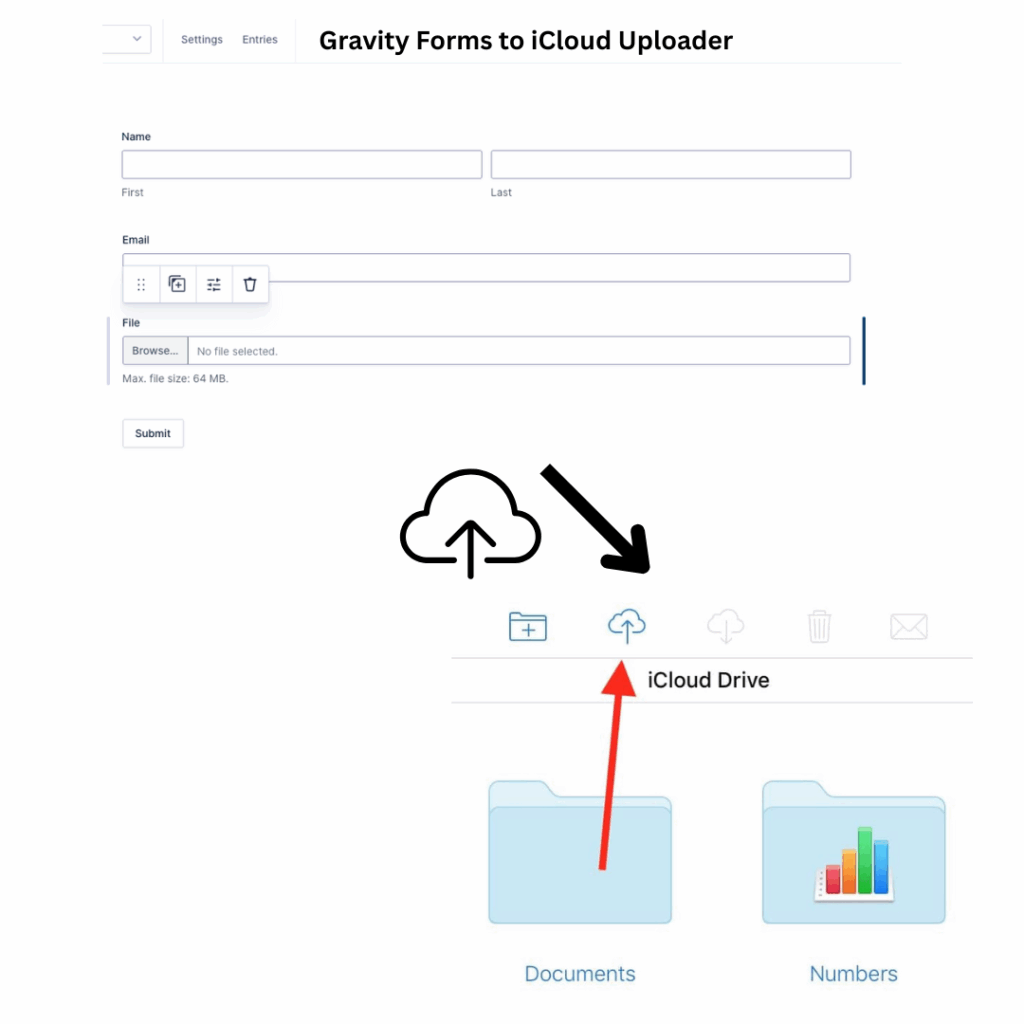
Includes support for folder creation, smart naming, and Apple ID authentication.
Key features:
- Upload files directly to iCloud Drive
- Compatible with all Apple devices
- Ideal for creatives, education, and solopreneurs
- Leverages iCloud’s secure infrastructure
- Smart folder organization based on form fields
Learn more: Gravity Forms to iCloud Uploader
6. Gravity Forms to Sync Uploader
Private, hosted cloud storage meets Gravity Forms. Sync.com is known for secure, zero-knowledge storage, and this uploader makes it easy to collect files via your forms and send them straight to your Sync account — contracts, ID documents, or creative assets stay encrypted and under your control.
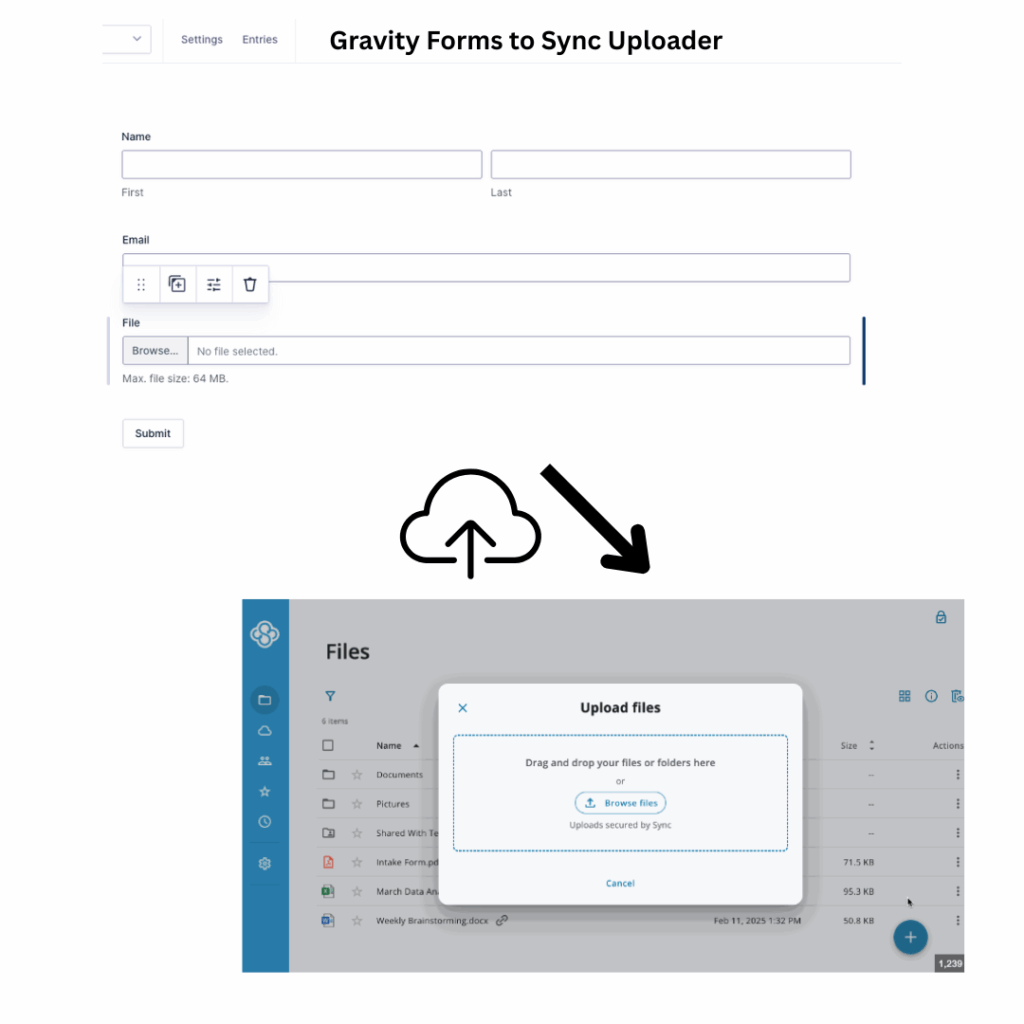
Ideal for users needing strong compliance and Canadian data residency.
Key features:
- End-to-end encrypted uploads to Sync.com
- Works with personal or team Sync accounts
- Secure OAuth authentication flow
- Dynamic folder creation and file naming
- Great for Canadian companies and legal or finance workflows
Learn more: Gravity Forms to Sync Uploader
7. Gravity Forms to FileCloud Uploader
Send Gravity Forms uploads into your FileCloud instance, whether self-hosted or SaaS. FileCloud blends enterprise-grade file sharing with full control over your infrastructure, so you can route form uploads directly to the setup you run.
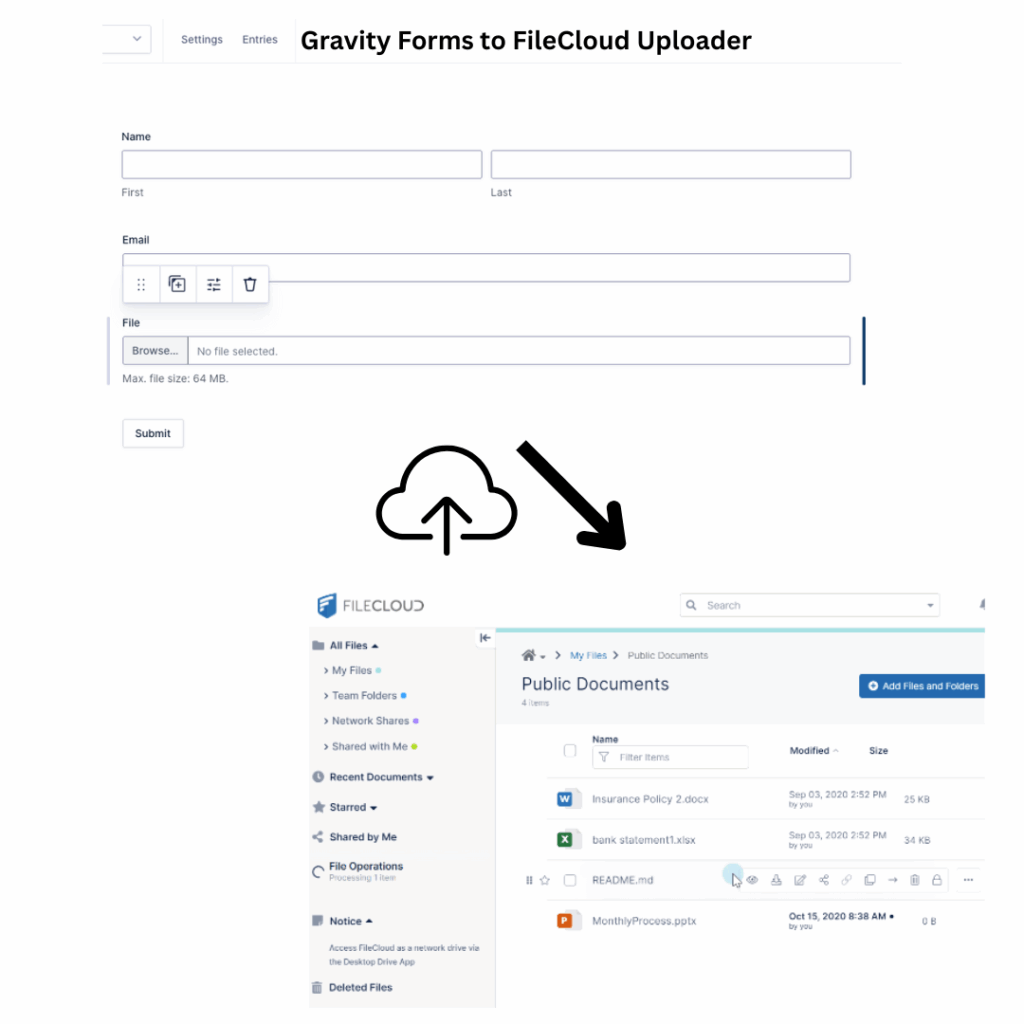
It supports granular folder rules, file tagging, and full audit logs for compliance-heavy environments.
Key features:
- Works with both self-hosted and FileCloud Online
- Supports SSO and secure login mechanisms
- Form-based folder creation and routing
- Optional virus scanning and version control
- Made for teams with strict data governance needs
Learn more: Gravity Forms to FileCloud Uploader
Choosing the Right Gravity Forms Uploader
Start with where your files already live. Microsoft shops will feel at home with OneDrive, Apple users with iCloud, and privacy-first teams with Proton Drive, NextCloud, or Sync. Enterprises handling large volumes often lean on AWS S3 or FileCloud. If you are just getting started, the original Gravity Forms to Google Drive Uploader remains a simple, reliable choice.
Explore the full lineup on the Ristretto Apps apps page and connect your forms to the cloud platform that fits your workflow.

2 Responses
I don’t see this gravity forms onedrive plugin listed anywhere to purchase?
Hi Lance,
Thanks for your interest in the Gravity Forms to OneDrive Uploader.
The plugin page is available here: https://ristrettoapps.com/product/gravity-forms-to-onedrive-uploader/#pricing
However, at the moment the product is still under development and has not been fully released yet, which is why you may have noticed the “Product in Development” notice on the checkout page.
If you’d like, you can submit the form on that page to register your interest and be notified as soon as the plugin is officially released.
Please let us know if you have any questions in the meantime.
Thanks